AQClouds QR AI Support

Not every equipment problem needs a technician visit.

Give equipment users a safe first line of support through a simple QR scan. Resolve appropriate user-level issues immediately — and escalate genuine technical problems with better context already captured.

See How It Works ↓
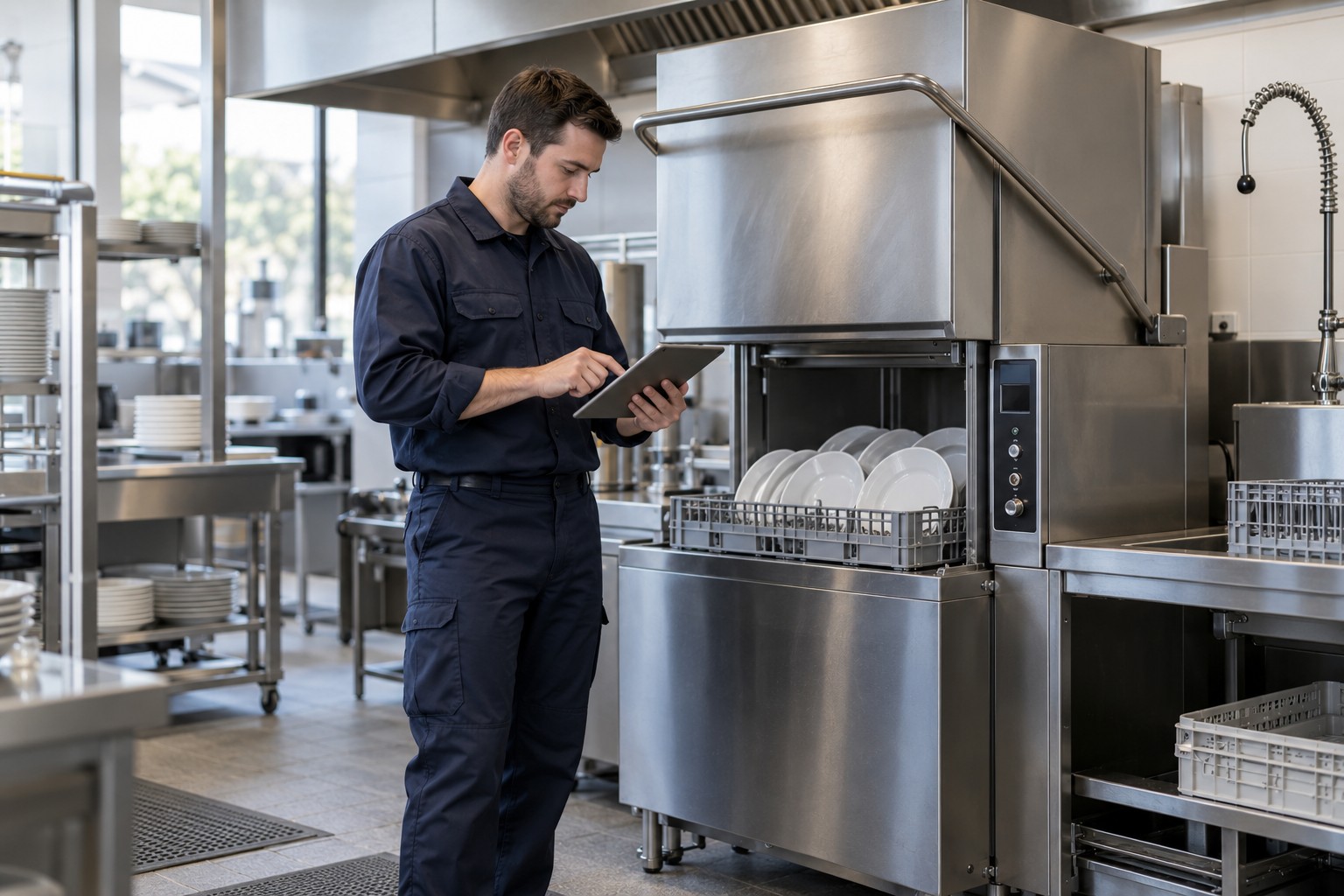

Professional technician with tablet beside commercial dishwasher
Demo QR linking to the illustrative support conversation
EQ-1042Scan for supportIllustrative label
AQClouds SupportIllustrative support conversation
EQ-1042 / Commercial Dishwasher
Main site / Wash-up area
The machine will not start.
Is the door fully closed and is the display on?
The door is closed. The display is on.
Thank you. I can record these checks and send the issue for manager review. Do not open panels or attempt repairs.
Safe user-level guidance only
Reduce avoidable dispatches.Protect technician capacity.Respond faster to genuine breakdowns.
The cost of dispatching too early

A service visit is expensive when the problem could have been resolved before dispatch.

Technician travel

Vehicle, travel and dispatch resources are consumed before diagnosis begins.

Lost technician capacity

Time spent on simple user-level issues cannot be used for genuine technical work.

Longer customer downtime

An operational issue may wait for a visit even when safe guidance could restore operation sooner.

Incomplete information

Technicians may arrive knowing little more than “the machine isn’t working.”

The goal isn't to prevent necessary service. It's to make a better decision before dispatch.
Support starts at the equipment

From QR scan to the right resolution path.

01

Problem occurs

A user notices an equipment issue.

02

Scan the equipment QR

Identify the specific asset and open its support experience.

03

AI understands the context

Capture symptoms against the equipment record.

04

Safe user-level checks

Use only approved checks for normal operating conditions and user-accessible controls.

Never open equipment, access electrical components or perform professional repairs as part of user-level support.

Path A / Resolved at user level

Issue resolved safely.

The equipment returns to operation without an unnecessary dispatch.

Support interaction recorded
Equipment
EQ-1042
Reported problem
Machine will not start
Checks performed
Normal user controls checked
Resolution
User-accessible door closed
Date / time
04 Oct / 08:40 · Example

Restore operation sooner. Preserve technician capacity.

Equipment support history updated.
Path B / Professional service required

The issue needs a technician.

AI stops at the user-support boundary. Professional repairs go to qualified personnel.

User → Authorized Manager → Approval / Review → Service Provider → Work Order → Technician
Context carried into service
  • Equipment identity
  • Customer / location
  • Reported symptoms
  • User-level checks already completed
  • Support interaction context

When a technician is needed, send them better prepared.

Control before escalation

The person using the equipment doesn't have to control the service budget.

Frontline users can request support. Professional service escalation can pass through the customer's authorized manager before dispatch.

Configure approval rules around your operation, equipment and service responsibilities. Manager approval is a configurable workflow, not a requirement for every customer.

  • Better spending control
  • Fewer unauthorized call-outs
  • Clearer approval trail
  • Better communication with service providers
Manager review Illustrative interface
USER REQUESTS SERVICE

Service request / EQ-1042

Equipment
Commercial Dishwasher / Wash-up area
Problem
Machine will not start
Checks completed
Door closed · Display powered
Warranty / service status
Included where available
Action required
Review professional service request

Illustrative decisions only. No service request is submitted.

No app required for the equipment user

Scan. Explain the problem. Get the right next step.

A clear boundary before professional repair.

User checks are recorded and passed for manager review. The assistant does not guide technical repairs.

Illustrative support conversation. Equipment-specific checks must be safe and approved. This is not a live customer screenshot or a live support assistant.

Safe user-level guidance only. Professional electrical, mechanical and technical repair remains with qualified personnel.
Equipment-aware support

A QR code should identify more than a web page.

The conversation starts with context instead of “Which machine are you calling about?”

Each equipment QR can connect to the relevant equipment record. Support identity, permitted guidance and service responsibility follow the asset.

Relevant warranty and service information can be included where it is available.

Equipment record Illustrative
Equipment ID
EQ-1042
Customer / location
Example customer / Wash-up area
Brand
Example brand
Model
Commercial Dishwasher
Serial number
DEMO-1042
Warranty / service status
Available equipment record
Support history
User checks and outcomes
Previous service records
Linked visits and service reports
Approved user-level guidance
Configured for this equipment
Connected service provider
Assigned service team
Context moves with the problem

Don't make the technician start the diagnosis from zero.

Traditional service request

“Dishwasher not working.”

The technician still needs to identify the machine, locate its history and repeat basic questions.

AQClouds service request / Illustrative
Equipment
EQ-1042
Model
Commercial Dishwasher
Reported issue
Will not start
Door checked
Yes
Display powered
Yes
User-level checks
Completed
Previous related service
Available in equipment history
Manager approval
Received in configured workflow

Context → AI Technical Assistant

A qualified technician can access relevant equipment history and approved technical information to support diagnosis.

Explore AI Technical Assistant
From support to service operations

When support becomes service, the information should move with it.

QR SupportManager ApprovalWork OrderTechnician AssignmentScheduleService ReportParts / Follow-upEquipment History

Escalated requests can enter the connected AQClouds Service CRM workflow with their context attached, rather than being manually recreated through calls, WhatsApp messages or spreadsheets.

Explore Service CRM
The value of a better first response

Protect the expensive part of your service operation: skilled technician time.

Potential dispatch cost avoidance

Appropriate user-level issues may be resolved without dispatch.

Recovered technician capacity

Keep technician time available for work requiring technical expertise.

Faster response

Some user-level issues may be resolved immediately instead of waiting for a visit.

Better technical preparation

Escalated problems arrive with more useful context.

Better service data

Support interactions become part of equipment history instead of disappearing in phone calls or messages.

Put your own numbers behind it

What would fewer avoidable dispatches be worth to your operation?

Use your own monthly service volume, dispatch costs and technician assumptions to model the potential business impact.

Calculate Your Potential ROI →

AQClouds does not assume or guarantee a reduction in service visits. The calculator lets you test your own operating assumptions.

Who it is for

One support layer. Different operational advantages.

Service Companies & Contractors

Reduce unnecessary call-outs, capture better information and protect technician capacity.

Equipment Dealers & Distributors

Create a stronger after-sales support experience and maintain equipment history after installation.

Hotels, Restaurants & Facilities

Give frontline users an easy support path while maintaining management control over professional service escalation.

Start with the equipment you already support

QR support doesn't require changing how your entire business works overnight.

01

Select equipment

Start with a defined equipment group or customer.

02

Create equipment records

Connect identity, location and support information.

03

Apply QR labels

Give each machine its support entry point.

04

Configure support boundaries

Define approved user-level guidance and escalation rules.

05

Connect managers and service teams

Configure who receives and approves escalations.

06

Measure

Track support interactions, remote resolutions and professional service requirements.

Before the next dispatch

What if the first response started at the equipment?

Let's look at your equipment, service-call volume and current support workflow to identify where QR-based AI support could reduce operational friction and give your service team better information.